

Last Updated: January 20, 2026
Multi-family residential security guard replacement is the process of reducing or eliminating some on-site guard hours by using remote monitoring (virtual guarding), smarter access control, and clear escalation procedures—often while keeping a hybrid on-site presence for peak hours or higher-risk zones. It’s most common for apartment complexes, HOAs, and property managers to face staffing gaps, rising costs, or inconsistent overnight coverage.
TL;DR (for property managers & HOA boards
- Guard replacement usually means “reduce guard hours,” not “remove security.”
- Virtual guarding works best when cameras, lighting, and access control are designed together.
- A hybrid plan often delivers the best balance of deterrence, response, and resident experience.
- The decision should be driven by threat patterns (parking, packages, gates), not just budget.
- A privacy-first camera policy and clear resident notice are part of doing this correctly.
What Problem is “Guard Replacement” Actually Solving?
Most multifamily communities don’t start looking for guard alternatives because they want “less security”—they want more reliable security with fewer gaps.
Common triggers include:
- Overnight incidents (trespassing, car break-ins, vandalism) occur when coverage is thin.
- Guard no-shows, turnover, or inconsistent post-performance.
- Budget pressure to reduce 24/7 staffing costs without increasing liability.
- Repeated access issues (tailgating at gates, propped doors, visitor confusion).
- Package room theft or lobby “loitering” complaints.
Can Virtual Guards Replace On-site Security for Apartments?
Sometimes—especially for overnight coverage, parking structures, perimeter areas, and “after-hours” deterrence.
Virtual guarding is typically a strong fit when:
- The property has defined entry points (gates, doors, garage entrances).
- Cameras have clean sightlines and usable night visibility.
- The community can standardize visitor/vendor procedures.
- The team wants documented incident reporting and consistent escalation.
Virtual guarding is not a magic solution if the property is under-lit, camera coverage is weak, or there’s no clear response plan (mobile patrol, maintenance on-call, or law enforcement escalation).
What Does Remote Guarding Include?
Remote guarding (also called virtual guarding or off-site monitoring) is a service model that can include:
- Live monitoring of camera feeds based on events, schedules, or analytics alerts.
- “Voice-down” intervention (two-way audio announcements) to deter behavior in real time.
- Incident verification before dispatch to reduce false alarms and improve response quality.
- Written incident reports with timestamps, video clips, and actions taken.
- Optional support for access control workflows (after-hours doors/gates, vendor entry rules).
The exact scope depends on your risk profile, resident expectations, and how you want the response handled.
On-site Guard vs Virtual Guard vs Hybrid
Deterrence
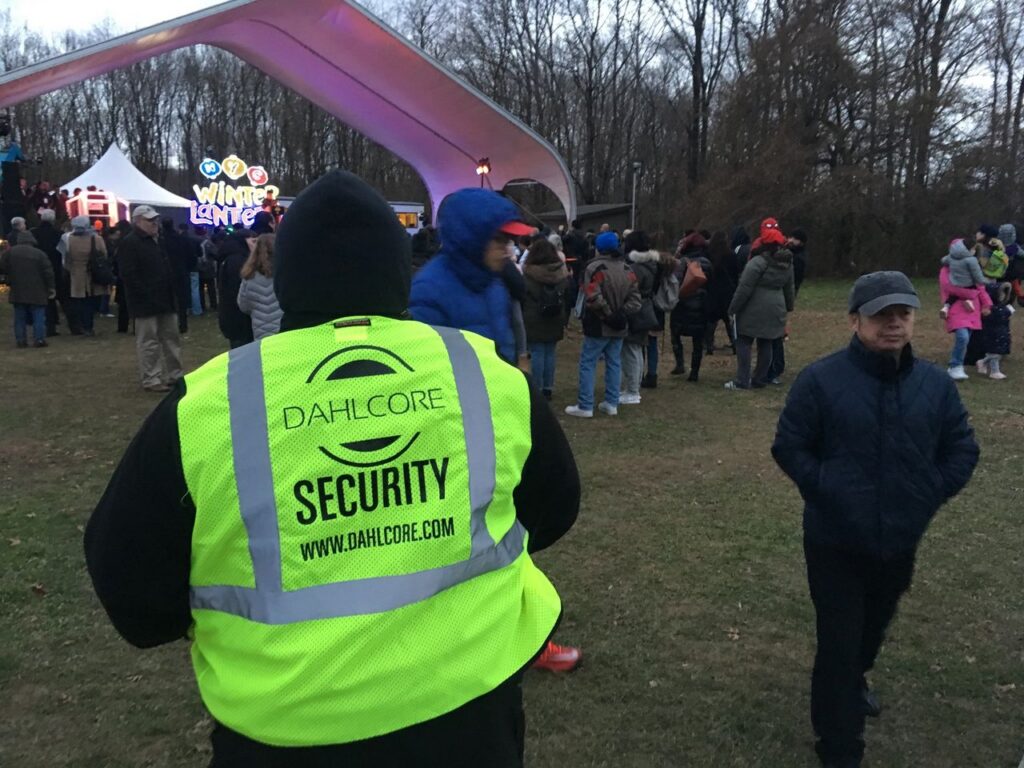
- On-site security guard: Strong physical presence
- Virtual guard (remote monitoring): Strong deterrence when paired with audio + visible cameras
- Hybrid model (recommended for most properties): Strong (presence + remote coverage)
Coverage
- On-site security guard: Limited by schedule and staffing
- Virtual guard (remote monitoring): Scales well for after-hours and multiple zones
- Hybrid model (recommended for most properties): Best overall coverage
Response
- On-site security guard: Immediate on-site response
- Virtual guard (remote monitoring): Fast verification + escalation, but not physically on-site
- Hybrid model (recommended for most properties): On-site response during peaks + remote after-hours
Cost drivers
- On-site security guard: Headcount, overtime, turnover, supervision
- Virtual guard (remote monitoring): Equipment + monitoring plan + tuning/maintenance
- Hybrid model (recommended for most properties): Balanced spend across people + tech
Best for
- On-site security guard: High-touch lobbies, high-risk sites, events
- Virtual guard (remote monitoring): Overnight, parking, perimeter, package/lobby monitoring
- Hybrid model (recommended for most properties): Communities needing both resident service + risk reduction
Main risk
- On-site security guard: Inconsistent performance
- Virtual guard (remote monitoring): Blind spots / poor setup / unclear escalation
- Hybrid model (recommended for most properties): Complexity (needs clear SOPs)
How Much Does 24/7 Guard Coverage Cost Vs Remote Monitoring?
Costs vary by market, post requirements, and risk—but the decision is usually driven by cost structure:
- 24/7 staffing often scales linearly with hours (more hours = more spend).
- Remote monitoring often scales with zones, camera count, and how “noisy” the site is (false alerts, poor lighting, frequent foot traffic).
- Hybrid plans reduce the most expensive hours (late night / low activity) while keeping a visible presence during resident-heavy periods.
If decision-makers want a clean comparison, define:
1) Coverage hours required.
2) Priority zones (garage, gate, lobby, package room).
3) Required response type (deterrence only vs on-site intervention).
4) Reporting/compliance needs.
When You Should NOT Replace Guards (or Should Go Hybrid)
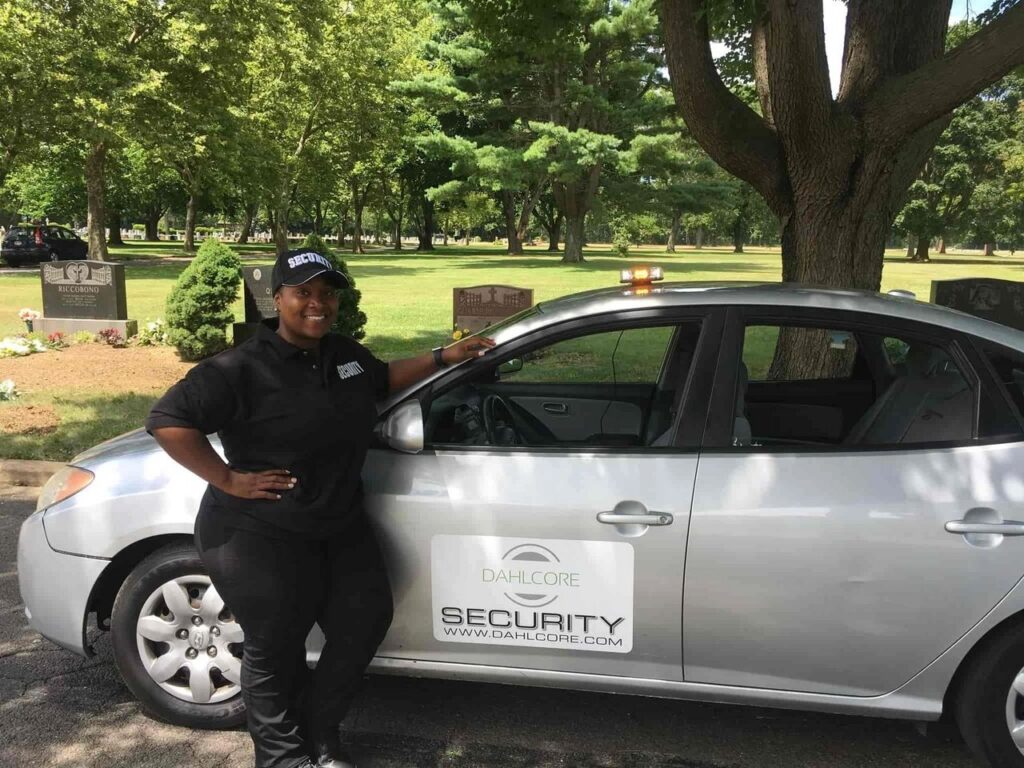
Guard replacement is risky when:
- There’s frequent violence, active threats, or repeated targeted crime.
- The lobby is a “service desk” function (amenities, resident disputes, deliveries).
- The property has many uncontrolled entry points (open campus layout).
- Lighting is poor, cameras are outdated, or the network is unreliable.
- Resident sentiment is sensitive, and changes require careful communication.
In these cases, a hybrid plan often works better: keep on-site presence where it matters most and use remote monitoring to eliminate coverage gaps.
Recommended Stack for Multifamily Guard Replacement
A practical “guard replacement” stack often includes:
Detection & visibility
- Coverage-grade cameras (critical choke points + wide-area views).
- Lighting improvements (especially garage entrances, stairwells, and perimeter).
Deterrence
- Two-way audio speakers for live announcements.
- Optional strobes/sirens for defined escalation scenarios.
Control
- Access control for gates/doors (with audit logs).
- Visitor management rules (vendors, movers, guests).
Response
- Monitoring center procedures (what triggers intervention, who gets called).
- Mobile patrol option (for verified incidents and physical checks).
Documentation
- Incident reports, clip retention rules, and escalation tracking.
Implementation Timeline (Example)
Week 1–2: Assessment
- Walk the site with a risk map (incidents, entry points, blind spots).
- Confirm resident experience goals (quiet enjoyment vs strict enforcement).
Week 3–6: Install & integrate
- Camera placement + lighting + access control tuning.
- Establish escalation paths (property manager, maintenance, patrol, police).
Week 7–8: SOPs + Pilot
- Build post orders / SOPs (voice scripts, thresholds, dispatch rules).
- Pilot with tuning for false alarms and resident feedback.
Ongoing: Optimization
- Monthly alert review, camera health checks, and policy refresh.
- Quarterly “lessons learned” update to rules and signage.
Failure Modes & How to Prevent Them
Common failure modes:
- False alarms from shadows, headlights, pets, or busy sidewalks.
- Blind spots caused by poor mounting height or blocked views.
- Low-quality night video from bad lighting or incorrect camera settings.
- Resident complaints due to unclear rules, poor signage, or privacy concerns.
- No real response because escalation contacts aren’t reliable after-hours.
Mitigations:
- Tune analytics and define “verification rules” before dispatch.
- Use privacy masking and exclusion zones where appropriate.
- Improve lighting first when the night performance is weak.
- Publish a resident-friendly surveillance and safety policy.
- Create a response ladder (monitoring → voice-down → patrol → dispatch).
Resident Privacy & Compliance
A strong program protects people and respects privacy.
Best practices to build trust:
- Post clear signage that monitoring is active.
- Share what areas are monitored (common areas) and why.
- Limit access to footage and define retention windows.
- Use a written policy for when the video is reviewed and who can request it.
- Avoid placing cameras where residents expect privacy.
(Adapt policy language to local/state requirements with your legal counsel.)
How We Evaluate Replacement Fit (Methodology)
A guard-replacement plan should be based on a repeatable process—not assumptions.
Assessment factors:
- Incident history (type, time, location).
- Entry points and “choke points” (doors, gates, garage lanes, stairwells).
- Lighting and camera viability (night visibility, bandwidth, uptime).
- Resident flow (rush hours, amenity use, deliveries).
- Existing procedures (vendor access, move-in/move-out, package handling).
- Escalation readiness (who responds at 2 AM, and how fast).
Deliverables (what a site assessment should include):
- Coverage map and recommended camera/audio zones.
- Guard-hour reduction plan (what to remove, what to keep).
- SOPs/post orders and escalation flowchart.
- Privacy notice + retention/access policy outline.
- Budget ranges by option (on-site, virtual, hybrid).
FAQ: Multi-Family Guard Replacement
Can virtual guarding fully replace on-site guards?
It can be used for certain zones and hours, especially after-hours deterrence and monitoring. Many properties choose a hybrid approach to keep an on-site presence where resident interaction or immediate response is required.
What equipment is needed to replace security guards?
At minimum: reliable cameras with good nighttime performance, stable internet/networking, and a documented response plan. Many properties add two-way audio, better lighting, and access control for the best results.
Does remote monitoring reduce false alarms?
It can, especially when alerts are verified before dispatch and analytics are tuned to the site. False alarms usually drop when lighting, camera placement, and detection rules are improved.
What should a property manager ask a virtual guard provider?
Ask about response workflow, voice-down scripts, verification thresholds, reporting format, retention/access rules, and how the provider handles privacy and cybersecurity.
Want to see if guard replacement makes sense for your property?
Request a site assessment that includes: a risk map, camera/audio placement plan, escalation workflow, and a guard-hour reduction recommendation (virtual vs hybrid vs on-site).
Explore our other blog posts here
The Importance of Vigilance in Port Security Operations
What is Contract Security and How Does It Work for Businesses?
Top Strategies for Effective Security Asset Protection Overnight
