

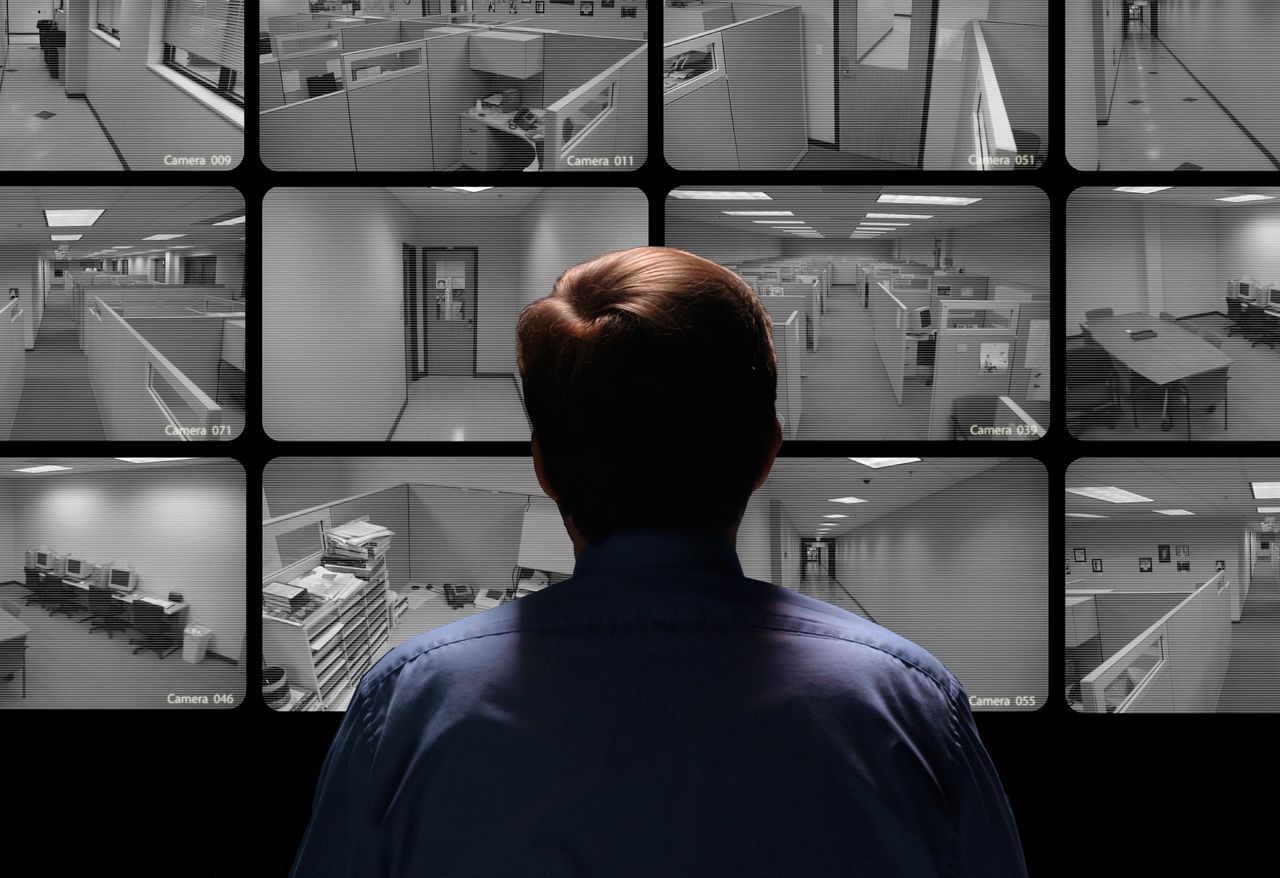
Remote Video Monitoring for Buildings in New York is a 24/7 service where trained operators watch your CCTV and analytics-equipped cameras from a secure monitoring center, verify alerts in real time, and coordinate response with on-site staff and NYPD/FDNY when needed. It helps NYC owners and managers cut guard costs, reduce false alarms, and protect people and assets across Manhattan, Brooklyn, Queens, the Bronx, and Staten Island.
Remote Video Monitoring for Buildings
Remote Video Monitoring for Buildings in New York means experienced operators watch building camera feeds and alerts from a secure monitoring center and respond in real time when something looks wrong at your NYC sites. Instead of hoping a late-shift guard catches everything, you have a dedicated team focused on alarms, analytics, and camera views, with a clear playbook for what to do next.
In real life, this service shines in places like Midtown office towers, Long Island City warehouses, Downtown Brooklyn mixed-use properties, and neighborhood retail stores in Queens or the Bronx. During the day, it helps you manage heavy foot traffic and protect high-value areas like lobbies, elevators, and loading docks. At night, it gives you eyes on parking garages, roof decks, and back entrances that would be too expensive to cover with guards alone. You’re not just installing cameras; you’re putting a full response process behind every alert.
Where Remote Video Monitoring Fits in NYC Buildings
New York buildings are busy, tall, and heavily shared. One property might mix offices, retail, and residential units, all under one roof. Remote Video Monitoring for Buildings fits perfectly in this environment because it scales across many sites without needing a guard on every floor.
Common NYC use cases include:
- Class A and B office buildings in Midtown and Lower Manhattan.
- Industrial and logistics spaces in Queens and the outer boroughs.
- Mixed-use towers in Brooklyn combine retail, residential, and office space.
- Condo and co-op buildings that need lobby coverage and package-room protection.
- Parking garages where vandalism and theft can spike at night.
In each case, remote operators watch for unusual movement, verify alarms with live video, and trigger the right response—whether it’s a voice-down warning, a call to the building super, or a dispatch to NYPD or FDNY.
Monitoring Center SOP Essentials
A monitoring center SOP is the rulebook that keeps your team consistent, especially when they’re juggling multiple New York sites at once. It tells operators exactly how to handle alerts, who to call, and what to record, so every incident gets the same level of care, no matter which borough it comes from.
In New York, you’ll often deal with multi-tenant buildings, union staff, contracted security companies, and strict house rules. That makes a clear SOP even more important. If everything is written down, tested, and updated regularly, your monitoring center can handle busy nights, false alarms, and real emergencies without guesswork. And when something goes wrong, you can trace exactly what happened and improve the playbook.
NYC-Friendly SOP Structure
Your SOP doesn’t need to be complicated. It just needs to be clear and built around how NYC buildings really work. A strong structure might include:
- Purpose and scope: Which New York buildings and systems are covered, and during what hours?
- Roles and responsibilities: Who does what—operators, dispatchers, supervisors, QA reviewers.
- Core workflows: Step-by-step flows for intake, triage, verification, response, notification, documentation, and closeout.
- Exceptions: What to do if cameras are down, the network fails, the owner doesn’t answer, or city services are overwhelmed.
- Logging rules: How to record events with Eastern Time stamps, building IDs, and operator names.
- Review cycle: When and how you review incidents, update steps, and retrain staff.
Because your operators might be watching a Midtown lobby and a Queens loading dock at the same time, your SOP should also highlight how to prioritize and switch tasks without missing anything important.
If/Then Decision Rules for Operators
Operators under pressure don’t have time to read long paragraphs. That’s where short “if/then” rules help. They give your team a quick way to handle events the same way every time.
Examples:
- If motion triggers in a locked Midtown office lobby after hours, then check live video and the last 30 seconds, confirm no scheduled cleaning crew, and decide between voice-down, guard dispatch, or NYPD call.
- If an elevator help button is pressed, then pull live video, confirm which car and floor, speak to the passenger, and decide whether to call the building staff or 911.
- If a water sensor goes off in a mechanical room in Queens, then check camera views if possible, notify the super, and escalate to the property manager if the leak looks serious.
These rules keep your operators calm and focused, even on nights when the board is full of alarms.
Staffing Plan That Works in New York
Staffing Remote Video Monitoring for Buildings in New York isn’t just about how many people you have—it’s about having the right roles in place and matching them to the city’s rhythm. New York buildings don’t sleep, and your monitoring center can’t either. You need enough coverage to handle the morning rush, daytime traffic, and the “anything can happen” overnight hours.
Remote monitoring lets you stretch your security budget further than guard-only coverage. One trained operator can watch alerts across multiple properties instead of standing in a single lobby. But to do that well, you still need a team structure that supports them, especially when something big happens.
Roles Inside the Monitoring Center
A practical NYC monitoring center team might include:
- Monitoring operators: The front line, watching live and alerted feeds and following the SOP for each event.
- Dispatchers: Staff who handle calls to on-site guards, building supers, property managers, and emergency services, freeing operators to keep eyes on the video.
- Shift supervisors: Leaders who coach operators, make decisions on high-risk incidents, and ensure policies are followed.
- QA and training staff: People who review completed incidents, check notes, score performance, and run refresher training.
This kind of structure makes sure no one gets overloaded. Operators can focus on spotting and verifying events, dispatchers keep communication under control, and supervisors step in when the stakes go up.
Working Alongside Licensed NYC Guards
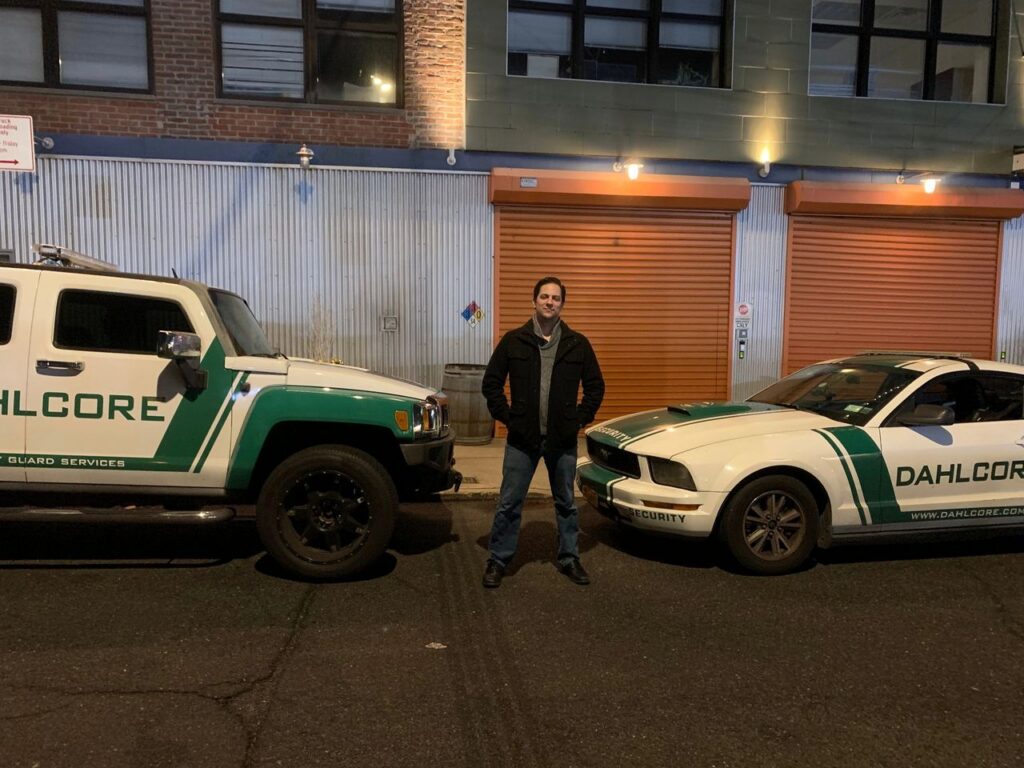
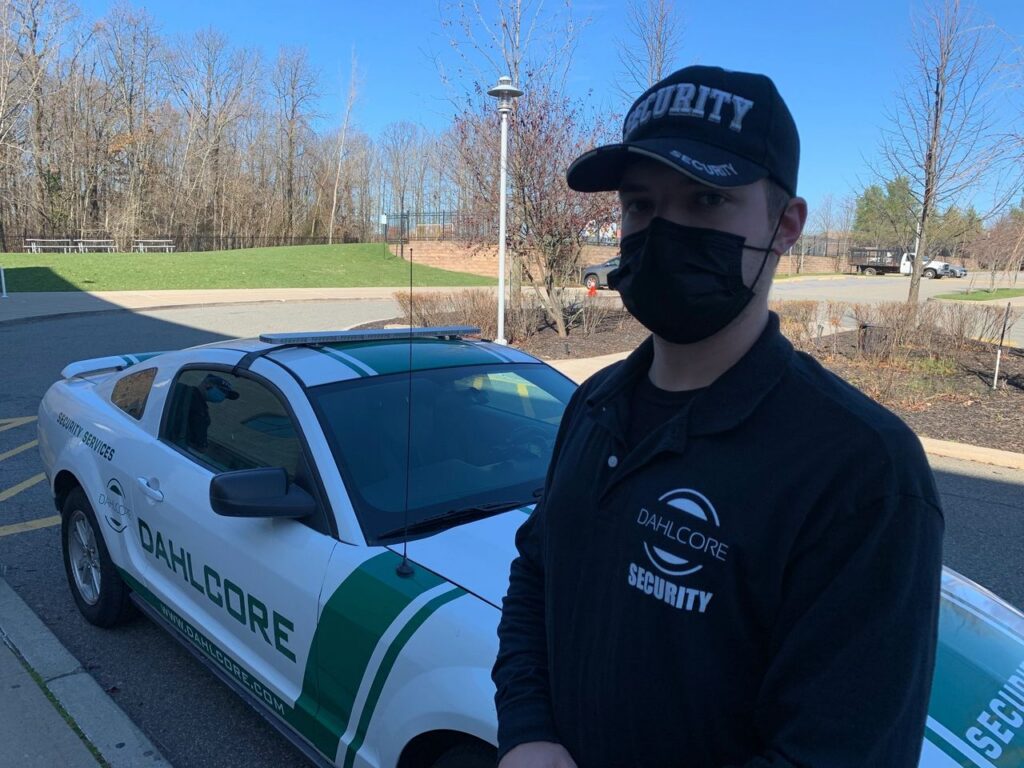
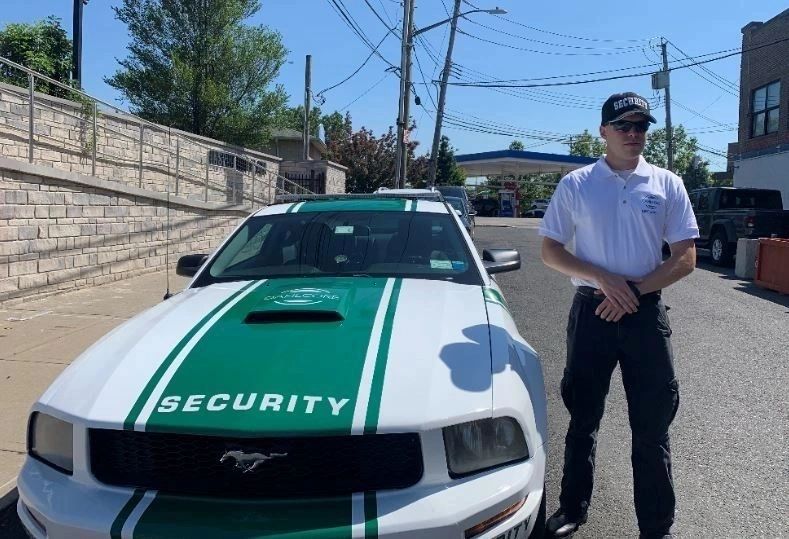
In New York, remote monitoring almost always works alongside physical security guards. Many properties use guard agencies that must meet state rules, including licensing and training under Articles 7 and 7‑A. Your monitoring SOP should spell out exactly how operators and guards work together so there’s no confusion.
That means:
- Clear rules for when to dispatch guards versus calling police or fire.
- Up-to-date contact lists for each building’s guard post and supervisor.
- Defined handoffs between remote operators and on-site guards, including what information is shared and how follow-up is documented.
This way, cameras and guards support each other instead of overlapping or leaving gaps.
Response Workflow: From Alert to Action in NYC
For Remote Video Monitoring for Buildings in New York, the response workflow is your backbone. Every alert, big or small, should follow the same basic path so nothing falls through the cracks when things get busy.
A strong NYC response flow looks like this:
- Intake: An alert comes in from a camera, sensor, or analytics system.
- Triage: The operator assigns a priority: life safety, crime in progress, suspicious behavior, or maintenance.
- Verify: The operator checks live video and a short clip, then scans nearby cameras for context.
- Respond: The team chooses the right action: voice-down, calling building staff, dispatching guards, or contacting NYPD, FDNY, or EMS.
- Notify: Property managers, supers, or other contacts get updated as needed.
- Document: Operators record what happened, who they called, and what the outcome was.
- Close and tag: The case is closed, tagged by type, and flagged if it needs QA review.
This simple pipeline keeps your team focused and makes your performance measurable.
NYC-Specific Response Targets
To keep your operation sharp, it helps to set time targets for each type of event:
Fire/life safety
- Verify step: Confirm signal + camera (if available)
- Response action: Call 911 for FDNY + notify building management
- NYC-focused target: Seconds–1 minute
Intrusion in progress
- Verify step: Live view + clip + nearby cameras
- Response action: Talk-down if possible, dispatch guard, call NYPD if verified
- NYC-focused target: 1–3 minutes to first action
Suspicious/loitering
- Verify step: Live view + dwell time
- Response action: Talk-down, record, escalate if subject doesn’t leave
- NYC-focused target: 2–5 minutes
Elevator distress/help
- Verify step: Live video + audio + car/floor ID
- Response action: Contact building staff/guard, call FDNY/EMS if needed
- NYC-focused target: 1–3 minutes
Water leak/flood
- Verify step: Sensor + camera check
- Response action: Notify super/engineer; if severe, escalate to property manager
- NYC-focused target: 5–15 minutes
Video Verification That Fits NYC Risk
Video verification is what turns noise into signal. In a city as active as New York, sensors and analytics can fire often. With good verification, you can separate real threats from everyday movement and avoid unnecessary calls to the NYPD or false alarms that annoy tenants.
In Remote Video Monitoring for Buildings, video verification helps your team:
- Confirm that someone is actually on-site where they shouldn’t be.
- Understand whether an alarm came from a person, a vehicle, a pet, or just moving shadows.
- Choose the right response instead of reacting blindly.
In New York, where entrances, sidewalks, and loading zones are busy, this step keeps you from overreacting to normal city life while still catching true problems quickly.
Verification Checklist for NYC Properties
A simple NYC-focused checklist might include:
- Confirm the camera and location: For example, “Front lobby – Midtown office tower – revolving door camera.”
- Roll back the clip: Watch 10–30 seconds before the alert to see how it started.
- Check nearby angles: Look at neighboring cameras—hallways, side doors, elevator banks, or garage entrances.
- Classify the activity: Decide if it’s a known tenant, contractor, cleaner, delivery worker, or unknown person.
- Decide the level of risk: Is this normal movement, suspicious loitering, or an obvious break-in?
- Escalate when unsure: Bring in a supervisor before calling NYPD if the image is unclear or blocked.
By using this checklist, your operators can move fast without jumping to conclusions.
Scenario Playbooks for New York Buildings
Scenario playbooks are short, focused SOPs for events you know will happen sooner or later in NYC buildings. Having them written and trained helps your team react quickly and consistently.
Intrusion and Unauthorized Access
For after-hours intrusions in New York lobbies and loading bays:
- Verify: The operator checks live feeds and replays around the door or loading dock, plus nearby cameras for a better view.
- Warning: If the person seems unauthorized, the operator uses voice-down speakers (if available) to announce that the building is monitored and that NYPD will be contacted if they don’t leave.
- Dispatch: If needed, the operator sends licensed security guards and keeps them updated with real-time observations.
- Escalate: When there’s a confirmed break-in or serious threat, the operator calls NYPD following your policy and records any case numbers.
- Document: The full event is logged, tagged, and reviewed later for pattern tracking.
This playbook is especially useful for loading docks in Queens or Brooklyn, where repeated trespassing or theft attempts are common.
Elevator Help and Distress Calls
For elevator events in New York high-rises:
- Connect: The operator responds immediately to the help call, opening audio and video (if available).
- Reassure: They talk calmly to the passenger, confirming their condition and whether they’re alone or with others.
- Locate: The operator identifies the building, elevator car, and floor or shaft position.
- Coordinate: They notify the building staff or guard desk and track their response.
- Escalate: If there’s a medical issue or serious safety risk, the operator calls 911 for FDNY/EMS and stays connected until help arrives.
- Record: Every step is logged, including time stamps, actions, and outcomes.
Clear elevator playbooks reduce panic and liability in dense, tall New York buildings.
Water leaks and mechanical room events
For water leaks in mechanical rooms or tenant spaces:
- Confirm: The operator reviews sensor data and any nearby camera views to confirm the leak.
- Notify: They call the building super or on-call engineer with location details and visible impact.
- Escalate: If water threatens electrical rooms or critical systems, they escalate to the property manager and follow any emergency protocols.
- Follow up: They track updates from the on-site team and close the event only when the leak is controlled.
- Log: All times, actions, and damage notes are stored for future claims and planning.
- These playbooks help you catch small issues before they become building-wide disasters.
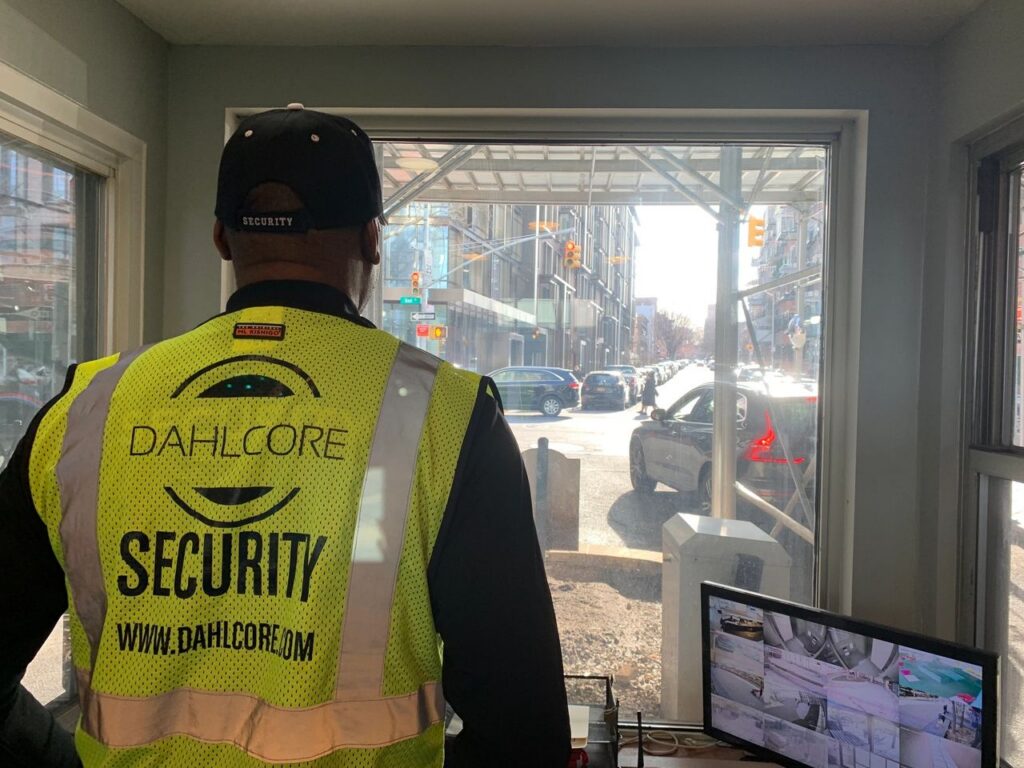
Compliance, Guards, and New York Law
Remote Video Monitoring for Buildings in New York operates inside a clean, legal, and regulatory environment. While cameras and software are important, the human piece—licensed guards and proper operating practices—is just as critical. Many owners also rely on security guard services in New York City for on-site coverage.
Articles 7 and 7‑A and NYC Rules
Key points include:
- Security Guard Act (Article 7‑A): Sets the standards for training and registration of security guards in New York State.
- Licensing for guard agencies: Businesses that employ guards to respond to alarms or secure premises usually must be licensed under Article 7 and meet state rules.
- NYC-specific rules: Certain NYC building types, like places of assembly, have additional requirements for using properly registered security guards and keeping documentation on-site. These requirements are set out in NYC Administrative Code §28‑117.4 on security guards.
Your monitoring center SOP should clearly define when to involve guards, which guard company is responsible for each building, and how you verify that those guards are properly licensed. Remote operators should never be asked to step into roles that require a license they don’t hold.
Monitoring Center Standards and Redundancy
Behind every good Remote Video Monitoring for Buildings service is a solid monitoring center setup. In New York, property owners expect their provider to stay online even during storms, network outages, or local grid problems. Strong monitoring centers are a core part of modern commercial security for New York portfolios.
That’s where standards and redundancy come into play. Many reputable providers follow managed video monitoring guidelines and pursue third-party certifications to prove their systems, facilities, and processes are up to par. They also design their infrastructure so that if one part fails, another takes over.
UL-Style Certifications and Audits
Some monitoring centers seek out certifications that involve audits and periodic checks of:
- Facility security and design.
- Equipment and connectivity.
- Operator training and procedures.
- Incident handling and documentation.
These certifications show that an outside expert has reviewed how the station works. They don’t guarantee perfection, but they’re a strong signal that the provider takes quality seriously.
Redundancy and Outage Handling for NYC Clients
For New York portfolios, you should ask about:
- Geographic redundancy: Does the provider have more than one monitoring center, and can another location pick up if the first goes down?
- Power backup: Do they use UPS systems and generators to keep operating during outages?
- Network resilience: How do they handle fiber cuts, ISP failures, or congestion that might affect NYC buildings?
- Failover plans: What happens to your alerts if a major event hits one center?
Clear answers to these questions will tell you how ready your provider is for real-world trouble.
How to Build Your NYC Monitoring Center SOP (How To)
To build a monitoring center SOP for Remote Video Monitoring for Buildings in New York, follow a focused seven-day process that turns your ideas into a tested playbook. Each day concentrates on one key piece—events, workflows, exceptions, roles, scripts, drills—until you have a version that works in practice.
Seven-Day SOP Build for NYC
- Day 1: List your NYC event types, including lobby intrusions, loading dock trespass, elevator distress, mechanical-room alarms, sidewalk loitering, and garage incidents.
- Day 2: Draft an 8–12 step “happy path” for each event that covers intake, triage, verification, response, notifications, documentation, and closeout.
- Day 3: Add New York–specific exceptions, such as NYPD delays, FDNY involvement, union rules, building policies, and known camera blind spots.
- Day 4: Map roles and approvals so everyone knows who may call 911, who can authorize NYPD dispatch, and who has authority over tenant or guard disputes.
- Day 5: Write scripts and templates for owner and manager texts, NYPD call scripts with borough and cross streets, and elevator passenger reassurance messages.
- Day 6: Run tabletop drills using real New York buildings you manage—one Midtown tower, one Brooklyn mixed-use, and one Queens warehouse—and time each step.
- Day 7: Finalize SOP version 1.0, schedule monthly QA reviews, and make sure your procedures align with any guard vendors’ compliance obligations.
If the team can’t complete a realistic scenario in under ten minutes during drills, keep refining. Aim for simple, repeatable steps over fancy language.
FAQs About Remote Video Monitoring for Buildings in New York
What is Remote Video Monitoring for Buildings in New York?
Remote Video Monitoring for Buildings in New York is a 24/7 camera monitoring service where trained operators watch your building’s live and recorded feeds, verify alarms using video, and coordinate response with licensed guards and local emergency services across NYC.
How does Remote Video Monitoring for Buildings lower security costs in NYC?
Remote Video Monitoring for Buildings can lower security costs in New York by turning cameras into “virtual guards,” reducing the need for around-the-clock on-site guards while still delivering live oversight, early intervention, and real-time incident management.
What should a monitoring center SOP include for New York buildings?
A monitoring center SOP for Remote Video Monitoring for Buildings in New York should spell out step-by-step workflows for event intake, verification, and escalation; NYC-specific call trees for property managers and supers; and clear rules for involving NYPD, FDNY, and licensed guard agencies under Articles 7 and 7‑A.
Do I still need guards if I use Remote Video Monitoring for Buildings in New York?
Many New York City properties keep a mix of Remote Video Monitoring for Buildings and on-site guards, using remote operators for continuous surveillance and guards for physical presence, access control, and hands-on response, all within the licensing and training requirements of Articles 7 and 7‑A.
Are there specific laws to consider for Remote Video Monitoring for Buildings in NYC?
Yes. If your security operations involve guards responding to alarms or securing premises, you must consider New York’s Security Guard Act (Article 7‑A), related licensing rules under Article 7 for guard agencies, and NYC regulations that specify where and how registered security guards must be used.
What certifications matter when choosing a Remote Video Monitoring for Buildings provider in New York?
When choosing a Remote Video Monitoring for Buildings provider in New York, look for managed video monitoring certifications, evidence of regular audits, and a proven ability to serve NYC buildings with compliant guard partners and resilient, redundant monitoring infrastructure.
Conclusion
Remote Video Monitoring for Buildings in New York delivers the most value when your monitoring center SOP reflects local building types, New York laws, and real after-hours conditions across Manhattan, Brooklyn, Queens, the Bronx, and Staten Island. With clear workflows, properly trained and licensed staff, and resilient, standards-aligned monitoring centers, you can reduce false alarms, support on-site teams, and keep NYC properties safer and more efficient.
Explore our other blog posts here
Building Camera System Design: IP Cameras, NVR vs Cloud, and VMS
Virtual Doorman in NYC: How It Works, Pros/Cons and Privacy
Package Theft Prevention for Apartment Building: Cameras & Policy
