

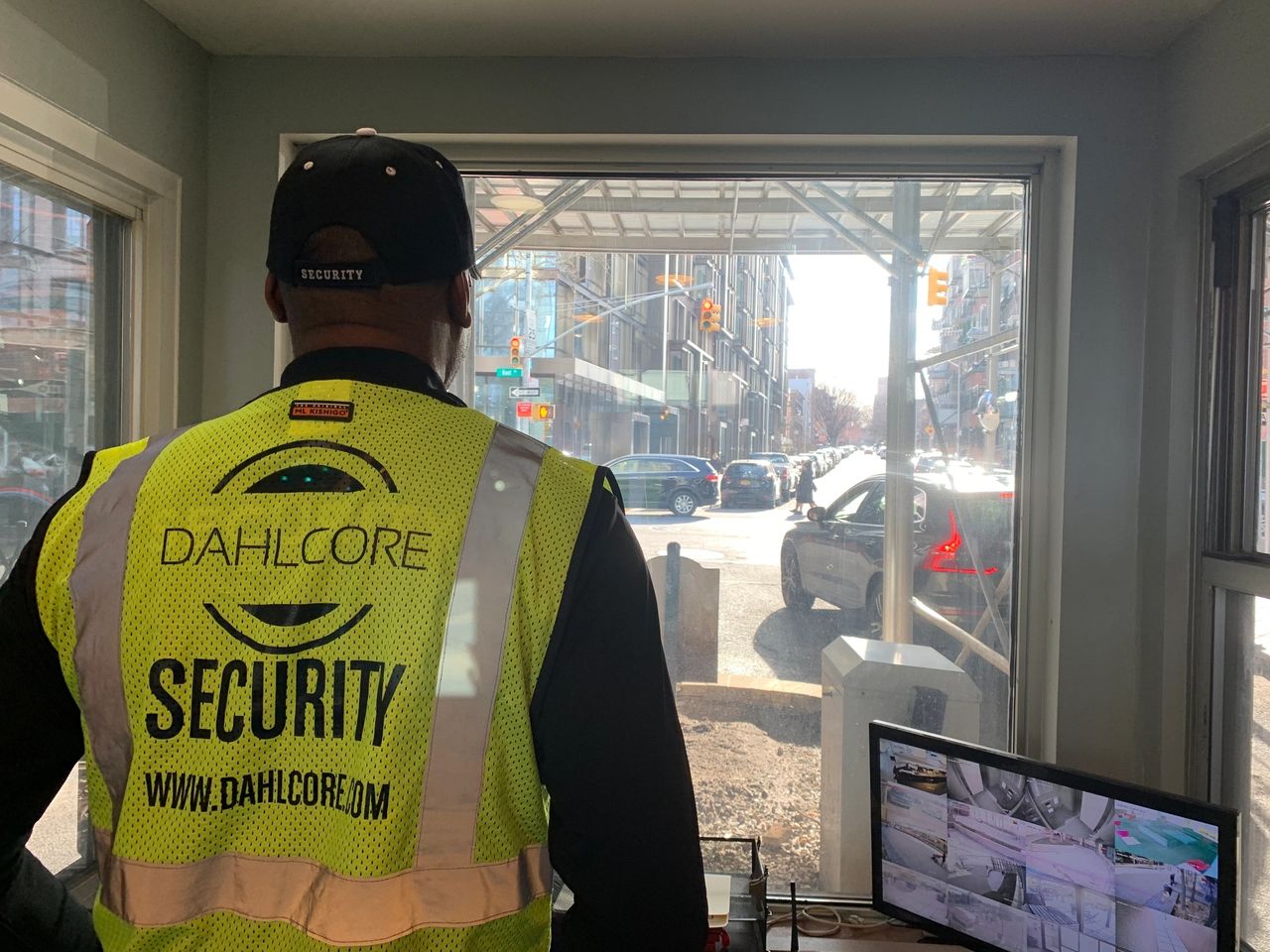
In today’s digital era, the ability to monitor your surroundings remotely has become a necessity rather than a luxury. Whether you’re keeping an eye on your home, business, or any other property, accessing CCTV cameras from anywhere using the internet offers unmatched convenience and security. In this guide, we’ll delve into the intricacies of setting up remote surveillance, empowering you with the knowledge to watch CCTV camera feeds from anywhere with an internet connection.
Understanding Remote CCTV Surveillance
Remote CCTV surveillance involves accessing live or recorded footage from security cameras placed at various locations via an internet-enabled device. This technology revolutionizes the way we monitor and safeguard our premises, offering flexibility and peace of mind irrespective of geographical constraints.
Exploring the Basics of Remote Access
To begin with, let’s understand the fundamental components and requirements for accessing CCTV cameras remotely.
With advancements in technology, modern surveillance systems often come equipped with features enabling remote access straight out of the box. However, for legacy systems or customized setups, additional steps might be necessary to allow remote viewing.
Key Components for Remote Access
- Internet-Connected Cameras: Ensure your CCTV cameras are compatible with remote access functionalities.
- Network Video Recorder (NVR) or Digital Video Recorder (DVR): These devices store camera footage and facilitate remote access.
- High-Speed Internet Connection: A stable and high-speed internet connection is crucial for seamless remote viewing.
- Mobile Device or Computer: Any internet-enabled device, such as a smartphone, tablet, or computer, can serve as the viewing platform.
Setting Up Remote Access
Now that we’ve covered the essentials let’s explore the step-by-step process of setting up remote access for your CCTV cameras.
Choosing the right CCTV system with remote access capabilities
Choosing the right CCTV system with remote access capabilities involves considering factors such as camera resolution, storage capacity, and compatibility with remote access features. Opting for a system designed for remote access ensures seamless integration and user-friendly access.
Installing the CCTV system
Proper installation of a CCTV system involves strategically placing cameras to ensure comprehensive coverage of the desired areas, optimizing their performance. This provides remote access to all relevant areas, enhancing security and enabling effective monitoring and surveillance.
Configuring Port Forwarding
Port forwarding is an essential process for granting external access to CCTV cameras by instructing the router to direct incoming traffic on designated ports to those cameras. By configuring port forwarding, users can remotely monitor their surveillance cameras over the internet, enhancing security and accessibility.
Leveraging Dynamic DNS (DDNS)
Dynamic DNS (DDNS) services automatically update DNS records to map a domain name to a network’s current IP address, enabling remote access even when the ISP-assigned IP address changes. This ensures that users can consistently connect to devices such as security cameras or servers without needing to update IP address information manually.
Installing Mobile Apps or Software Clients
These mobile apps and software clients for CCTV systems are designed to offer users convenient access to camera feeds from their smartphones, tablets, or computers. With user-friendly interfaces and advanced functionalities, such as motion detection alerts and remote control of camera settings, they enhance surveillance capabilities and make monitoring multiple cameras from different locations effortless.
Accessing CCTV Cameras Remotely
Using a web browser
Accessing CCTV footage through a web browser offers unparalleled convenience and flexibility. It allows users to monitor their premises from any internet-connected device, whether it’s a computer, smartphone, or tablet. Through the web interface, users can seamlessly switch between live feeds and playback recorded footage, as well as adjust camera settings remotely, enhancing overall surveillance management capabilities.
Using dedicated mobile apps
These dedicated mobile apps enhance the user experience by enabling remote monitoring of CCTV cameras on the go, fostering peace of mind and security awareness. Moreover, their integration of features like push notifications for motion detection and PTZ camera control empowers users with real-time insights and control over their surveillance systems.

Ensuring Security and Privacy
Implementing strong passwords
Implementing strong passwords for the CCTV system is crucial in preventing unauthorized access, as it significantly bolsters security measures. By incorporating a mix of letters, numbers, and special characters, the complexity of passwords is increased, thus lowering the vulnerability to potential breaches and ensuring tighter control over system access.
Enabling encryption
Enabling encryption for data transmission in a CCTV system ensures that the footage is encoded securely, making it extremely difficult for unauthorized individuals to intercept or access sensitive information. This added layer of security not only protects the privacy of individuals captured on camera but also safeguards against potential breaches or tampering, enhancing overall data integrity and confidentiality.
Regularly updating firmware and software.
Regularly updating firmware and software for the CCTV system is crucial as it helps to address newly discovered security vulnerabilities and exploits, reducing the risk of unauthorized access or breaches. By staying current with patches and updates, the system’s defenses are bolstered, ensuring optimal security measures are in place to safeguard against potential threats while maintaining efficient performance.
Best Practices for Secure Remote Surveillance
While remote access to CCTV cameras offers unparalleled convenience, it’s crucial to prioritize security to prevent unauthorized access or breaches. Here are some best practices to enhance the security of your remote surveillance setup:
- Strong Passwords: Use complex and unique passwords for your CCTV cameras and associated accounts to thwart brute-force attacks.
- Firmware Updates: Regularly update the firmware of your cameras and network devices to patch security vulnerabilities and ensure optimal performance.
- Network Segmentation: Segregate your surveillance cameras on a separate network to minimize the risk of unauthorized access to sensitive data.
- Encryption: Enable encryption protocols such as SSL/TLS to encrypt data transmissions between your devices and remote viewing platforms.

Troubleshooting Common Issues
Network connectivity problems
Network connectivity problems may arise due to issues such as router configuration errors or internet outages. Troubleshooting network connectivity issues involves checking network settings, restarting devices, and contacting internet service providers if necessary.
Compatibility issues with devices
Device compatibility issues may occur when attempting to access CCTV cameras from unsupported browsers or outdated mobile apps. Resolving compatibility issues may involve updating software, using alternative devices, or seeking technical support from the CCTV system provider.
Software glitches
Software glitches can disrupt remote access to CCTV cameras, causing delays or interruptions in viewing footage. Troubleshooting software glitches typically involves restarting the CCTV system, clearing cache and cookies, and updating software to the latest version.
FAQs (Frequently Asked Questions)
Q: Can I access my CCTV cameras from a different country?
Absolutely! As long as you have an internet connection, you can access your CCTV cameras from anywhere in the world.
Q: Do I need a static IP address for remote access?
While a static IP address simplifies the setup process, you can use Dynamic DNS (DDNS) services as an alternative to overcome the challenges of dynamic IP addresses.
Q: Are there any monthly fees associated with remote access?
In most cases, remote access to CCTV cameras doesn’t incur additional monthly fees. However, some advanced features or cloud storage options involve subscription charges.
Q: Can I watch CCTV camera footage on multiple devices simultaneously?
Yes, many CCTV systems support simultaneous viewing on multiple devices, allowing you to monitor your premises from various locations.
Q: How secure is remote access to CCTV cameras?
Remote access to CCTV cameras can be highly secure when configured correctly with robust security measures such as strong passwords and encryption.
Q: Can I control my CCTV cameras remotely (e.g., pan, tilt, zoom)?
Depending on your CCTV system’s capabilities, you may be able to control certain camera functions remotely using pan-tilt-zoom (PTZ) controls.
Conclusion
Embracing the power of remote surveillance not only enhances the security of your premises but also provides unmatched convenience and peace of mind. By following the steps outlined in this guide and implementing best practices for security, you can effortlessly watch CCTV camera feeds from anywhere using the internet, ensuring comprehensive protection and vigilance.
Check other blogs
How Much Do Hospital Security Guards Make: A Comprehensive Guide
Unveiling Access Control: Safeguarding CIA Triad Confidentiality
