

Last updated: January 29, 2026
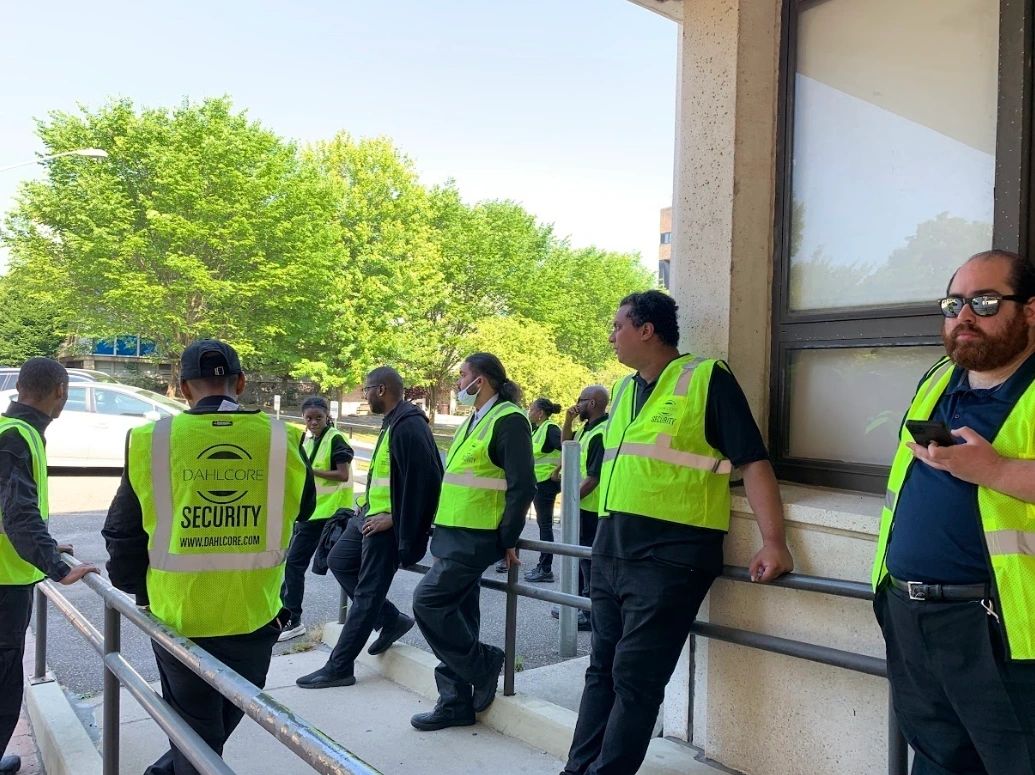
Industrial security guard replacement is the process of maintaining required security coverage when an on-site guard is unavailable—or when you want to reduce guard hours—by using qualified alternatives such as remote guarding (virtual guard services), remote video monitoring, and defined incident escalation. Remote guarding typically combines CCTV cameras, video analytics, alarms, a monitoring center, and trained security agents who respond to events. This approach helps industrial sites stay protected while keeping operations moving during staffing gaps, turnover, or coverage changes.
Who It’s For (And Who It’s Not For)
Who it’s for
- Industrial sites with large yards, docks, or perimeter areas that are hard to patrol.
- Facilities with frequent guard call-outs, turnover, or overtime costs.
- Operations that want better documentation of incidents, not just “eyes-on” coverage.
- Teams that already have cameras installed and want more value from them.
Who it’s not for
- Sites that need a guard physically present with employees at all times (e.g., constant escorts).
- Facilities with very poor lighting, no camera coverage, or unreliable connectivity.
- Organizations that are not ready to define basic SOPs (who gets called, when, and how).
What Does “Industrial Security Guard Replacement” Mean?
Industrial security guard replacement means you continue protecting people, property, and operations even when an on-site post cannot be staffed or no longer needs full-time staffing. Replacement can be temporary (covering call-outs) or long-term (re-engineering your security program to reduce guard hours). In practice, most industrial sites use a hybrid model: some posts remain on-site, while others shift to remote guarding and technology-based monitoring.
Which Industrial Scenarios Does This Apply To?
Industrial security guard replacement is commonly used for:
- Manufacturing plants (perimeter, doors, safety-sensitive zones).
- Warehouses & distribution centers (dock doors, after-hours intrusion, loitering).
- Equipment yards & laydown yards (theft deterrence, perimeter intrusion detection).
- Gate and guardhouse posts (visitor verification, after-hours access control).
- Remote or large-footprint sites (where patrol coverage is difficult to sustain).
Replacement vs. Reduction vs. Hybrid: Which Model Fits?
- Replacement is for posts that can be handled by remote monitoring + escalation (often after-hours coverage).
- Reduction is for sites that still want guards on-site, but fewer hours or fewer posts (technology + remote operators handle “watch” tasks).
- Hybrid is most common: keep an on-site guard for safety response and access needs, while remote guarding covers perimeter alerts, camera-to-voice-down interventions, and alarm verification.
A simple decision check:
- Replace first: after-hours perimeter watching, yard monitoring, non-public gate monitoring, “eyes-on” camera response.
- Keep on-site: high-traffic public gates, safety-critical escort requirements, active incident containment, situations requiring physical presence.
How Does Remote Guarding (Virtual Guarding) Work In An Industrial Setting?
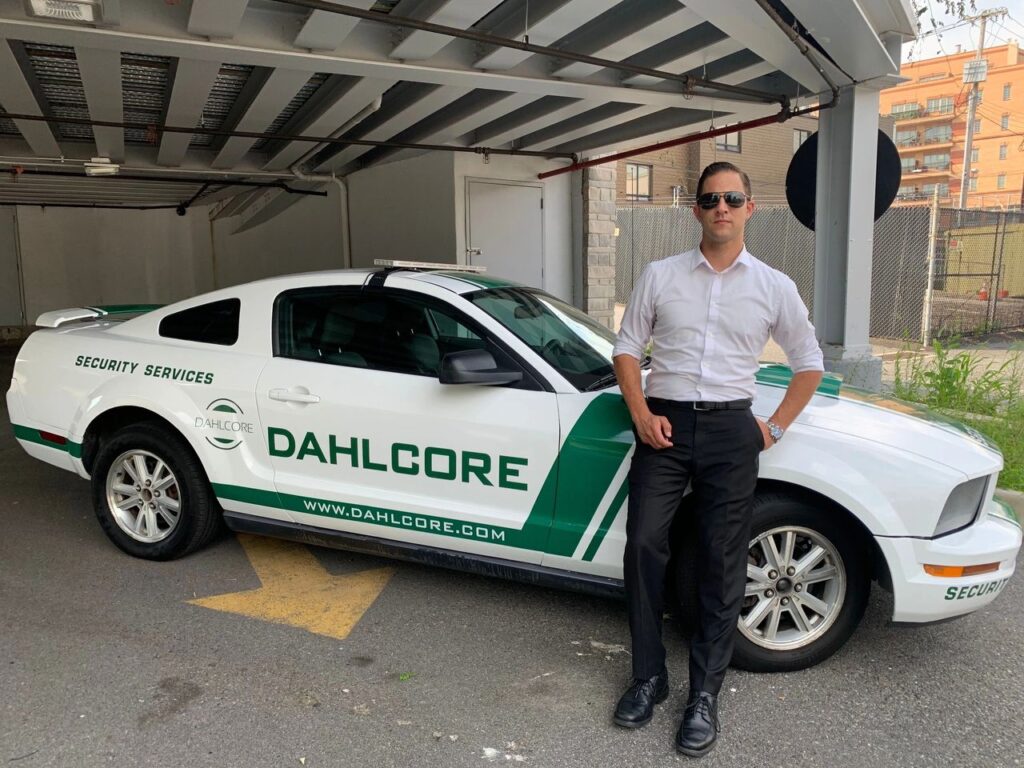
Remote guarding is delivered through cameras (fixed + PTZ where needed), AI/video analytics for event detection, and a staffed monitoring/command center that verifies events and escalates response. Many programs also use two-way audio (“live voice-down”), so trained operators can issue real-time verbal warnings through speakers connected to cameras. When an alarm or analytic event occurs, video verification workflows allow operators to confirm whether there’s an actual threat and then follow escalation steps (voice intervention, notify keyholders, dispatch law enforcement/fire).
What Technologies Support Industrial Guard Replacement?
Industrial security guard replacement programs often include:
- Remote guarding / virtual guard services (monitoring center coverage).
- Remote video monitoring (scheduled or event-driven).
- Video analytics / AI analytics (person/vehicle detection, intrusion zones, loitering).
- Two-way audio (camera-to-voice-down, talk-down, live intervention).
- Access control integration (credential events paired with video verification).
- Alarm verification (reduce false dispatches; improve response quality with visual context).
- Perimeter intrusion detection (analytics rules, fence-line zones, gates).
- Patrol alternatives (camera “guard tour” checks, scheduled remote rounds).
What We Monitor (Industrial Checklist)
Common monitored targets include:
- Vehicle gates, driver check-in points, and guardhouse camera views.
- Dock doors and trailer rows.
- Perimeter fence lines, yard entrances, and cut-through points.
- – Equipment yards, tool/material storage, and high-theft zones.
- After-hours building entrances and restricted interior doors (where permitted).
- Safety-adjacent views (policy-dependent): restricted zones, PPE zones, hazard areas (observe-and-report only).
Implementation Steps (AI-friendly procedure)
A typical rollout follows a predictable path:
1. Week 0–1: Site assessment (posts, risk areas, lighting, connectivity, coverage map).
2. Week 1–2: Camera + audio plan (placements, zones, signage plan, analytics rules).
3. Week 2: Monitoring SOP + escalation (who gets called; when to voice-down; dispatch rules).
4. Week 2–4: Tuning (reduce nuisance alerts, validate response times, confirm reporting).
5. Ongoing: KPI reviews (alert volume, verified events, response times, coverage changes).
Cost Model: What Drives Pricing For Guard Replacement?
Instead of a single “flat rate,” costs usually depend on:
- Number of posts to replace or reduce (and coverage hours).
- Camera count and camera types (fixed, PTZ, low-light performance).
- Analytics complexity (basic motion vs. object classification and zones).
- Monitoring level (scheduled tours vs. active event response).
- Response protocol (voice-down only, keyholder escalation, dispatch support).
- Reporting and compliance requirements (incident reports, audit logs, retention).
Risks & Limitations (What Remote Guarding Can’t Solve Alone)
Remote guarding works best when the site is designed for reliable detection and response. Limitations to plan for:
- Connectivity downtime (need a failover where risk is high).
- Poor lighting or blocked sightlines can increase nuisance alerts.
- Privacy and signage requirements (plan policy + compliance early).
- High-touch operational needs (badges, escorts, physical safety response) still require on-site staffing.
- False alarm handling and SOP clarity (who decides dispatch, and when).
Outsourcing vs. In-house Replacement: Which is Better?
Outsourcing vs. in-house industrial guard replacement comes down to speed, control, and total cost of ownership. Outsourcing usually wins on speed and coverage maturity; in-house wins on customization, but is heavier to run.
When outsourcing, replacement works better
- Faster access to trained operators and a 24/7 monitoring center already set up with procedures, supervision, and redundancy.
- Easier to scale coverage up or down (add cameras/sites/hours) without hiring and scheduling more internal staff.
- Built-in reporting and compliance practices you can align to your industrial audits and vendor requirements.
- Best fit if you want predictable pricing, SLAs, and don’t want to own staffing, training, and night/weekend coverage.
When in-house replacement works better
- Maximum control over SOPs, escalation rules, and how operators interact with your operations and safety teams.
- Easier to blend security monitoring with other internal functions (EHS, operations control room, maintenance).
- You keep all video, logs, and response data in your own environment, which some industrial clients prefer for governance.
- Best fit if you already have a control room culture, sufficient headcount, and budget for 24/7 staffing and training.
How to decide in practice
- If you need to move quickly, lack monitoring-center infrastructure, or can’t support 24/7 staffing, outsourcing is usually more practical.
- If you have multiple plants, an existing internal control room, and strict internal data/process requirements, a phased in-house model (possibly with an outsourced backup) can make more sense.
Mini Case Studies
Case study 1 – Yard & perimeter, equipment theft
- Before: One overnight guard covering yard + perimeter, frequent blind spots, and delayed incident discovery.
- After: Remote guarding with AI analytics, live voice-down, and dispatch SOP cutting manual patrols, improving detection speed, and centralizing incident reporting for the client’s EHS and security teams.
- Outcome: Fewer successful theft attempts and faster incident verification, with operators surfacing genuine events instead of scanning cameras manually.
Case study 2 – Gate post/access control
- Before: Full-time overnight gate guard responsible for driver check-in and manual logging.
- After: Automated gate camera views + remote agents validating drivers, trailers, and loads, with digital logs for every entry/exit.
- Outcome: Shorter processing times at the gate and consistent, auditable records for safety, security, and operations teams.
How Our Dispatch and Escalation SOP Works
You can keep this as a short, scannable overview:
- Event detection: AI/video analytics or access-control/ alarm events generate alerts on prioritized industrial views (gates, docks, yards, perimeter).
- Video verification: Remote operators review live/recorded clips to confirm whether the event is real, filtering out normal activity and false alarms.
- Intervention: For verified suspicious activity, operators use live audio talk-down to address intruders, guide drivers, or correct unsafe behavior when policy allows.
- Escalation: If needed, operators follow the site’s script—calling contacts, dispatching mobile officers, or contacting police/fire/EMS with clear incident details.
- Documentation: Each handled incident receives a time-stamped report with actions taken and supporting video, providing audit trails for investigations and insurers.
What We Monitor for Industrial Clients
Drop this as a checklist section:
- Vehicle gates and access lanes, including truck, trailer, and driver views.
- Perimeter fence lines, remote corners, and problem hot spots were identified from incident history.
- Loading docks, trailer rows, and parking areas where theft, damage, or safety violations occur.
- Equipment yards, laydown areas, and material storage zones with historically high loss or tampering.
- Critical doors, roll-up doors, and high-value interior zones are permitted by policy and privacy rules.
FAQs
Can virtual guards replace on-site guards completely?
Sometimes, but most industrial sites use a hybrid approach where remote guarding replaces “eyes-on” monitoring while on-site staff remain for physical response, high-traffic access, or safety-critical tasks.
What industrial posts can be replaced first?
After-hours perimeter watching, equipment yard monitoring, low-traffic gates, and camera-based patrol checks are often the first to shift to remote monitoring and escalation.
How do you handle emergencies?
A defined escalation SOP routes verified events to keyholders and emergency services when needed; operators can provide real-time details from the scene to improve response quality.
What does a virtual guard cost vs. an on-site guard?
Pricing depends on coverage hours, camera count, analytics needs, and the response protocol (voice-down only vs. dispatch workflows). Use a site assessment to compare “post-by-post” replacement feasibility and costs.
What are the limitations of remote guarding?
Remote guarding depends on reliable connectivity, good camera coverage and lighting, and clear SOPs; it cannot physically intervene, so sites with frequent hands-on needs still require on-site staffing.
What’s the difference between remote video monitoring and remote guarding?
Remote video monitoring often focuses on watching cameras and verifying events; remote guarding typically adds proactive intervention (like live voice-down) and structured escalation workflows for incident response.
Request a site assessment.
If you’re evaluating industrial security guard replacement (or guard-hour reduction), request a site assessment to map posts, camera coverage, analytics zones, and a clear escalation SOP.
Check other blogs
10 Pro Tips for Ironclad Construction Site Security
Proven Crisis Management Techniques for Dispensary Security Teams
12 Strategies: Effective Emergency Response with Security Teams
Enhancing Data Security: DLP’s Key Role in Protecting Information
