

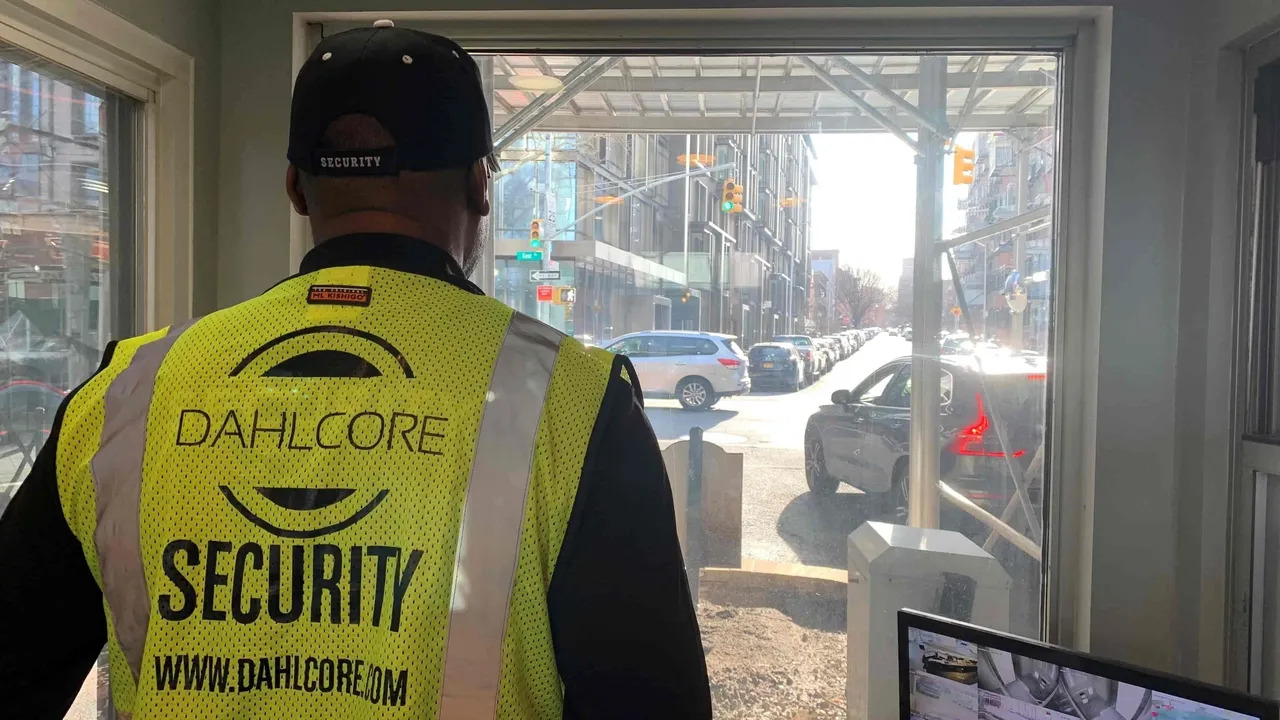
Definition: Physical access control security is the practice of controlling entry to buildings, sites, and restricted areas so only authorized people can get in, while everyone else is denied, logged, or escorted. It combines credentials (like cards, PINs, or biometrics), door hardware, and management software to enforce who can go where, and when.
Physical access control isn’t just “locks on doors.” Modern systems blend electronic locks, credential readers, controllers, and audit logs so teams can manage permissions at scale, respond faster to incidents, and reduce unauthorized entry.
Why Physical Access Control Security Matters
When access rules are clear and enforced, organizations reduce risks like theft, tampering, workplace violence, and unauthorized access to restricted rooms (server rooms, stock rooms, records areas, labs).
It also improves accountability: when access is logged and reviewed, security teams can investigate incidents faster and spot abnormal patterns earlier.
What is a Physical Access Control System (PACS)?
A Physical Access Control System (PACS) is the technology stack used to grant/deny physical entry using electronic decisions—typically via a credential presented to a reader, checked by a controller, then used to unlock (or keep locked) a door, gate, or turnstile.
PACS is different from guard-only procedures. Guards can verify identity and respond to events, but PACS is the system that consistently enforces permissions, schedules, and logging across many doors and users.
Physical vs Logical Access Control
Physical and logical access control solve different problems, and mixing them up can cause intent mismatch.
- Physical access control: Controls entry to real-world spaces (doors, elevators, gates, restricted rooms).
- Logical access control: Controls access to digital resources (computers, apps, networks, cloud systems).
Many organizations use both and align them (e.g., terminated employee = badge disabled + account disabled).
Common “Who/Where/When” Examples
Physical access control security is fundamentally about who can enter where and when. Common examples include:
- Doors: main entrances, suite doors, server rooms, and inventory cages.
- Gates: parking areas, perimeter gates, delivery entrances.
- Restricted rooms: IT closets, cash rooms, medication rooms, testing labs.
- Visitor access: temporary badges for guests, contractors, and deliveries.
How Physical Access Control Works (Simple Flow)
- Enrollment: An admin creates a user and assigns access (role-based or door-based permissions).
- Credential issued: User receives a key fob/card, PIN, mobile credential, or biometric enrollment.
- Attempted entry: User presents credentials to a reader (or enters a PIN).
- Decision: Controller/panel checks permission rules (door, schedule, threat level, MFA policy).
- Action + logging: Door unlocks (or stays locked), and the event is written to an audit log.
- Monitoring: Security reviews alerts, door forced-open events, and unusual access patterns.

Physical Access Control System Components
Credentials (the “what you have/know/are”)
- Card / key fob: A common credential used for quick entry and easy revocation.
- PIN: A “what you know” factor, often used as backup or paired with a card.
- Mobile credential: A phone-based credential (often via NFC/Bluetooth).
- Biometrics: “What you are” (fingerprint, face, iris) for stronger identity binding.
Reader (the checkpoint device)
- Credential reader: Reads a card/fob or mobile credential at the door and passes data to the controller.
Controller/access panel (the decision-maker)
- Access controller/panel: The “brain” that decides to unlock or deny based on rules, schedules, and inputs.
Locking hardware (the physical enforcement)
- Electronic lock / electric strike/maglock: Door hardware that physically allows or denies entry after a valid decision.
- Door position switch / request-to-exit (REX): Sensors that help detect door state and safe egress behavior.
Management software (the admin + reporting layer)
- Access control software: Where admins enroll users, assign permissions, set schedules, and generate reports.
- Audit log/reporting: Records events for investigations, compliance, and operational troubleshooting.
Supporting systems (often integrated)
- Video surveillance (CCTV): Helps validate events and investigate incidents.
- Visitor management: Issues temporary credentials and tracks visitor identity and purpose.
- Intrusion/alarm systems: Add alerts when doors are forced, propped, or accessed during odd hours.
Authentication Methods (Single-factor to Multi-factor)
Modern PACS can support multiple authentication methods depending on risk and operational needs:
- Single-factor: Card/fob or PIN.
- Two-factor (MFA): Card + PIN, or mobile + biometrics.
- Biometric-only (high control): Common in sensitive areas, but requires a strong privacy policy and fallback procedures.
Common PACS Use Cases by Setting
- Corporate offices: Floor access, after-hours access, role-based access for departments, visitor check-in.
- Education: Controlled entry points, staff-only areas, time-based access for events.
- Healthcare: Sensitive room control (medication, records), staff zoning, audit readiness.
- Government / critical facilities: Higher assurance, layered controls (turnstiles/mantraps + guard oversight).
How to Choose a Physical Access Control System (Quick Checklist)
Use this buyer-style checklist to match the dominant “help choose/implement” search intent:
- Facility size: Number of doors, buildings, and future expansion.
- Door types: Interior vs exterior, fire-rated constraints, and existing hardware compatibility.
- Credential type: Cards/fobs vs mobile vs biometrics (consider user experience + risk).
- Administration model: On-prem vs cloud-managed software; IT/security ownership.
- Integrations: Cameras, alarms, elevator control, HR systems, visitor management.
- Operational reality: Lost badges, shift schedules, contractors, temporary access needs.
- Reporting needs: Audit logs, investigations, compliance reporting, and retention policies.

Monitoring & Audit Logs (What to Track)
Monitoring is where access control becomes measurable—not just a locked door.
- Track granted/denied entries, door forced-open, door held-open, and access outside normal schedules.
- Review logs routinely and investigate anomalies, especially for sensitive areas and repeated denied attempts.
NIST’s physical access control guidance includes maintaining physical access audit logs and escorting visitors where required.
NIST also describes maintaining visitor access records (e.g., who visited, when, and purpose) and reviewing those records for anomalies.
NIST guidance on audit trails also discusses logging physical access attempts with details like date/time, door or gate, and the individual attempting access.
Physical Access Control Security Best Practices
These practices are commonly used to run PACS effectively in the real world:
- Least privilege by default: Give access only to the doors and times needed for the role.
- Role-based permissions (RBAC): Assign access by job function (then manage exceptions).
- Rapid deprovisioning: Disable access immediately for terminations, lost credentials, or vendor offboarding.
- Periodic access reviews: Re-certify who has access to sensitive doors on a recurring schedule.
- Exception handling: Document and time-limit temporary access (projects, audits, repairs).
- Anti-passback/occupancy rules (when appropriate): Reduce credential sharing and tailgating risk.
- Door propping controls: Alerts and procedures for held-open doors in controlled areas.
Visitor and Contractor Management (Do this Consistently)
Visitor management is one of the fastest ways to reduce “untracked access” risk.
- Pre-register visitors when possible (name, company, purpose, host).
- Issue time-bounded credentials that automatically expire.
- Require sign-out and collect badges.
- Define escort rules for restricted areas and enforce them.
Common Mistakes to Avoid
- Sharing badges or using “community PINs.”
- Granting broad, permanent access “just in case.”
- Failing to revoke access quickly after role changes or offboarding.
- No visitor process (or visitors wandering without a host).
- Not reviewing logs—so alerts become noise and incidents go unnoticed.
- Over-reliance on technology without training staff on procedures.
When to Hire Professionals (and How Guards Complement PACS)
Consider professional help if you’re expanding to many doors, integrating multiple sites, or dealing with high-risk areas (server rooms, controlled inventory, regulated environments).
Guards and front-desk staff can complement PACS by handling identity verification, visitor escorting, incident response, and monitoring, while PACS provides consistent enforcement and logging across doors.
FAQs
What are the main components of a physical access control system?
Core PACS components include a credential (card/fob/mobile/biometric), a reader, an access controller/panel, locking hardware (electric strike/maglock), and management software with audit logs and reporting.
How does physical access control work?
A user presents a credential to a reader, the controller checks permissions (door + schedule + policies), then the system unlocks or denies entry and logs the event for monitoring and investigations.
What is the difference between PACS and security guards?
PACS is the electronic system that enforces permissions and logs events across doors, while guards handle human verification, visitor escorting, and response—often working together for better coverage.
What authentication methods are used in PACS?
Common methods include card/fob, PIN, mobile credentials, biometrics, and multi-factor combinations like card + PIN or mobile + biometrics.
How do you manage visitors and contractors?
Use a visitor management process with identity verification, host assignment, time-limited credentials, sign-in/out, and clear escort rules for restricted areas.
What are the best practices for revoking access?
Disable credentials immediately during offboarding, automate deprovisioning where possible, and run periodic access reviews to remove unused or excessive permissions.
What should be included in access control audit logs?
Logs should capture who attempted access, which door/gate, the date/time, and whether the attempt was granted or denied—plus door alarms like forced-open or held-open when available.
What are turnstiles and mantraps used for?
Turnstiles control and count entry in higher-traffic areas, while mantraps (interlocking doors) add layered control to reduce tailgating and verify authorization before entry.
Check other blogs
How Much Does an Armed Security Guard Earn? 7 Shocking Insights!
Commercial Lease Security Deposit: How Many Months
The Surprising Truth: How Much Do Personal Security Guards Make?
