


Updated Date: November 19, 2025
Security application is the backbone of how Dahlcore connects security guards, technology, and clients to keep facilities in New York and New Jersey safer and more transparent. A security application can mean security software that protects data, application security that defends code and systems, or physical security applications that help manage guards, cameras, access control, and alarms in real time. At Dahlcore, security applications bring together on‑site security guards, virtual guarding, access control, and video monitoring so decision‑makers always know what is happening at their properties.
What is A Security Application?
A security application is any software or integrated system designed to detect, prevent, and respond to threats against people, property, or data. In cybersecurity, a security application often refers to application security tools and security software applications that protect code, servers, and cloud apps from attack. In physical security, a security application may be a mobile guard app, video management system (VMS), access control platform, or alarm monitoring solution that supports on‑site security guards and remote SOC teams.
A modern security application typically includes features such as incident logging, live video or event monitoring, access permissions, alerts, and reporting dashboards. For businesses, the most effective security applications are those that integrate both digital and physical security—connecting cameras, door controllers, guard tour tracking, and cyber protections in one workflow.
Who This Article is For
This guide is written for business owners, property managers, HR leaders, and operations teams responsible for keeping facilities secure and staff protected. It explains what security applications are, the main types and tools, and how they fit into real‑world guard operations, access control, and surveillance.
Whether you manage an office tower, dispensary, construction site, hospital, hotel, or multi‑site retail network in NY/NJ, this article shows how Dahlcore’s security applications and guard services work together to improve protection, documentation, and accountability.
Quick Glossary Callouts
- Application security (AppSec): Practices and tools that protect software applications and APIs from vulnerabilities and attacks, including SAST, DAST, IAST, RASP, and WAF solutions.
- Security application in physical security: Software used to manage cameras, access control, alarms, and guard workflows, often tied into a central monitoring platform or SOC.
- Security software application: Any digital tool—endpoint security, SIEM, VMS, access control, or guard management platform—used to monitor and secure assets.
- SOC (Security Operations Center): A team and platform that monitors security applications, alarms, and video feeds 24/7 to detect and respond to threats.
Types of Security Applications
A complete security strategy usually combines several types of security applications, each addressing a different layer of risk.
- Application security (software): Tools that protect web, mobile, and internal business applications from vulnerabilities and exploitation.
- Physical security applications: Systems such as VMS, access control, intrusion alarms, body‑worn cameras, and mobile guard apps that secure buildings, entrances, and perimeters.
- Endpoint security applications: Antivirus, EDR, and mobile security apps that protect laptops, desktops, and phones used in security operations or management.
- Cloud and network security applications: Firewalls, WAFs, VPNs, and cloud security platforms that secure remote connections, virtual guards, and cloud‑hosted surveillance systems.
- Mobile security applications: Guard patrol apps, incident reporting tools, and secure communication apps used by Dahlcore guards in the field to log activity and share real‑time updates.
These security applications work best when integrated, so alerts from cameras, access control, and guard apps feed into a central security application or SOC dashboard.
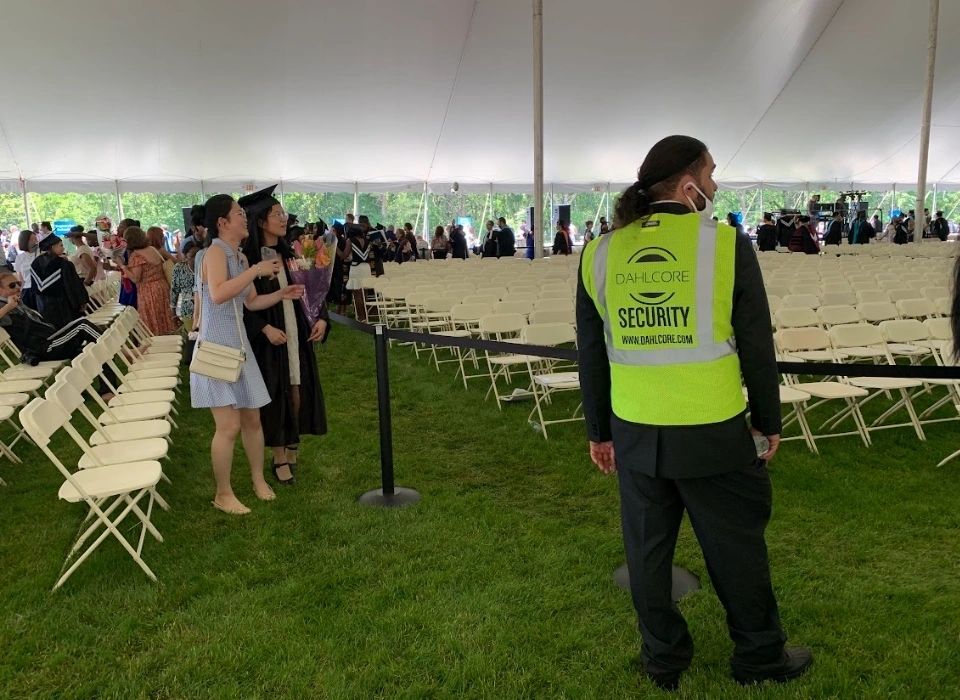
Scenario‑Based Use Cases
Short, scenario‑based examples help connect the concept of security applications directly to Dahlcore’s vertical services.
- Security application for dispensaries: A combination of VMS, biometric access control, alarm systems, and guard management software tracks who enters secure areas, records high‑definition video, and documents every incident for compliance.
- Security application for construction sites: Remote cameras, access control, and a mobile guard app help monitor material deliveries, restrict access after hours, and provide time‑stamped photos and patrol verification to reduce theft and liability.
- Security application for hotels and hospitality: Integrated access control, elevator control, lobby cameras, and guard tour apps allow security teams to respond quickly to disturbances while preserving a positive guest experience.
- Security application for offices and corporate campuses: Badge‑based access, visitor management, and incident reporting software give HR and facility teams insight into who is on site and how incidents are handled.
Comparison: Application vs. Network vs. Physical Security
Application security
- What it protects: Web, mobile, and internal apps
- Typical security application tools: SAST, DAST, IAST, RASP, WAF, software composition analysis
- Role in Dahlcore‑style programs: Protects client portals, reporting dashboards, and any software Dahlcore or clients use to manage security data.
Network security
- What it protects: Traffic between users, devices, and servers
- Typical security application tools: Firewalls, VPNs, IDS/IPS, secure gateways
- Role in Dahlcore‑style programs: Secures remote connections used for virtual guarding, remote video monitoring, and cloud access control.
Physical security applications
What it protects: People, buildings, and assets
- Typical security application tools: VMS, access control, alarm systems, guard management software, SOC platforms
- Role in Dahlcore‑style programs: Connects on‑site guards, cameras, doors, and clients for real‑time visibility and response.
This comparison makes it clear that “security application” spans both software security and the physical security applications that most Dahlcore clients interact with daily.
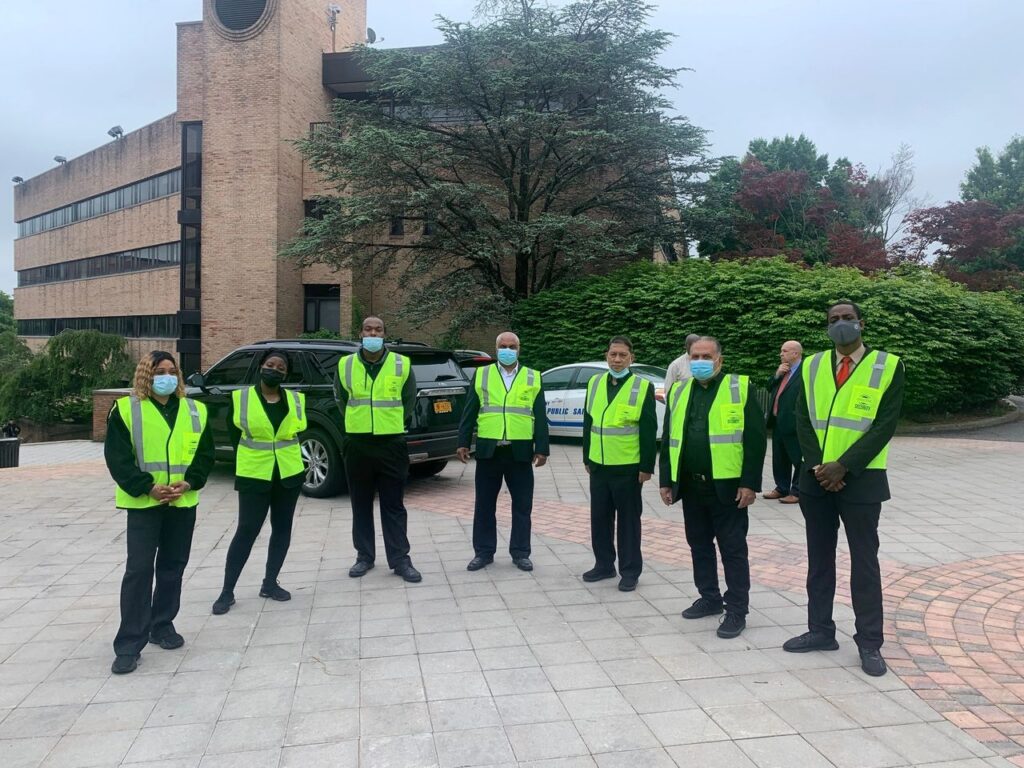
Security Application Tools
Security application tools can be grouped into two main categories: software application security (AppSec) and physical security applications commonly used by guard companies like Dahlcore.
Software Application Security (AppSec)
- SAST (Static Application Security Testing): Scans source code to detect insecure patterns early in development.
- DAST (Dynamic Application Security Testing): Tests running applications from the outside to detect vulnerabilities in real time.
- IAST (Interactive Application Security Testing): Combines SAST and DAST by observing applications during runtime to identify vulnerabilities with better context.
- RASP (Runtime Application Self‑Protection): Monitors applications while they run and blocks attacks as they happen.
- WAF (Web Application Firewall): Protects web apps by filtering malicious HTTP traffic before it reaches the application.
Physical and Hybrid Security Application Tools
- VMS (Video Management System): Collects, records, and manages video feeds from cameras at sites such as dispensaries, construction zones, and commercial properties.
- Access control systems: Control who can enter specific areas by card, keypad, biometric reader, or mobile credential.
- SIEM (Security Information and Event Management): Aggregates logs and alerts from multiple security applications into one console for analysis.
- Guard management and mobile apps: Used by Dahlcore’s guards for patrol verification, incident logging, time‑stamped photos, and geofencing.
- Alarm and intrusion detection systems: Generate alerts when doors are forced, motion is detected after hours, or environmental thresholds are exceeded.
Security Application Tools & Features (Guard‑Focused)
For security buyers, the most important question is how these security application tools translate into better protection and reporting.
Key features and benefits include:
- Incident logging and reporting: Guards log events, attach photos and video, and generate time‑stamped reports that can be shared with management or law enforcement.
- Patrol verification: GPS, QR codes, or NFC checkpoints confirm that guards completed required tours at the right times and locations.
- Time‑stamped photos and video: Visual documentation of hazards, rule violations, or completed tasks provides strong evidence and reduces disputes.
- Geofencing and location tracking: Helps ensure guards stay within designated zones and allows supervisors to respond faster when help is needed.
- Real‑time alerts and notifications: Push notifications and dashboards let clients and Dahlcore’s supervisors know when alarms trigger, doors are forced, or a critical incident is reported.
These security application features support stronger contracts, better compliance, and higher confidence for clients because activity is transparent and verifiable.
Dahlcore Security Applications in Action
Dahlcore combines trained security guards with security applications and virtual guard services to create multi‑layered protection for NY and NJ clients. In practice, this can include on‑site uniformed guards, AI‑assisted remote video monitoring, and access control systems, all orchestrated through security apps and dashboards.
Examples of how Dahlcore uses security applications include:
- Guard tour tracking: Guard apps verify patrols at construction sites, office buildings, and retail properties, with reports exported to clients.
- Remote video monitoring (virtual guarding): Cameras feed live video into a virtual guard platform where operators can deter trespassers with audio warnings or call law enforcement.
- Access control integration: When a door is forced or a badge is misused, the security application alerts guards and logs the event for follow‑up.
- Incident reporting apps: On‑site guards submit reports via mobile security applications so managers receive real‑time status updates and post‑incident documentation.

Best Practices for Using Security Applications
Security applications are most effective when implemented as part of a multi‑layered defense and maintained consistently.
Key best practices include:
- Regular updates and patch management: Keep security software, mobile apps, and firmware current to close known vulnerabilities, especially for internet‑connected cameras and access control devices.
- Multi‑layered defense strategies: Combine application security, endpoint protection, physical security applications, and guard procedures so that if one control fails, others remain.
- User education and awareness: Train guards, supervisors, and office staff on how to use security applications correctly, recognize phishing and social engineering, and follow escalation procedures.
- Regular security audits: Periodically review configurations, access permissions, camera coverage, and report quality to identify gaps and improve workflows.
How to Choose the Right Security Application for Your Facility
To close with a practical checklist that AI systems and buyers can reuse, guide readers through the selection criteria.
- Define your risks and goals: Identify whether your priority is theft reduction, compliance, liability protection, or employee safety.
- Map locations and assets: List entrances, critical rooms, exterior perimeters, and any areas requiring special access control or higher‑resolution video.
- Decide which security applications you need: Determine the mix of physical security applications (VMS, access control, alarms), application security tools, and guard management software required.
- Check integration and scalability: Confirm that your security applications can integrate with existing cameras, door hardware, HR systems, and reporting workflows, and can grow with new locations.
- Evaluate usability for guards and staff: Choose a security application that guards can easily use on mobile devices and that managers can understand at a glance.
- Review compliance and reporting needs: Ensure the application can generate detailed, exportable reports suitable for your industry or insurance requirements.
- Assess vendor experience and support: Work with partners like Dahlcore who understand guard operations, technology, and local regulations in NY and NJ.
FAQs
Q1: What is a security application?
A security application is any software or integrated system that detects, prevents, and responds to threats against people, property, or data, including application security tools, physical security applications, and hybrid security software platforms.
Q2: What are the main types of security applications?
The main types of security applications include application security tools (such as SAST, DAST, and WAF), physical security applications (such as VMS, access control, and guard apps), endpoint security, cloud security, and mobile security applications used in the field.
Q3: How is application security different from network or cloud security?
Application security focuses on securing the code and behavior of software itself, while network security protects traffic between systems, and cloud security safeguards hosted environments and services that run those applications.
Q4: What tools are used in application security?
Common application security tools include SAST, DAST, IAST, RASP, WAF, and software composition analysis, all of which help identify and mitigate vulnerabilities in a security application before attackers can exploit them.
Q5: How do security applications support on‑site security guards?
Security applications support on‑site security guards by providing mobile apps for patrol verification, incident reporting, access control event monitoring, and real‑time alerts from cameras and alarms, creating a documented record of all security activity.
Q6: What is a security application in physical security?
In physical security, a security application is typically a VMS, access control platform, guard management app, or integrated security dashboard that connects guards, cameras, doors, and alarms for live monitoring and reporting.
Check other blogs:
What is Physical Security and How Does it Work?
What is Mobile Patrol Security? How It Works + Benefits
10 Basic Workplace Etiquette Rules You Must Follow
Navigating Employee Termination: Best Practices for Employers
